My new 5k2k build
An overview of my new 5k2k PC build
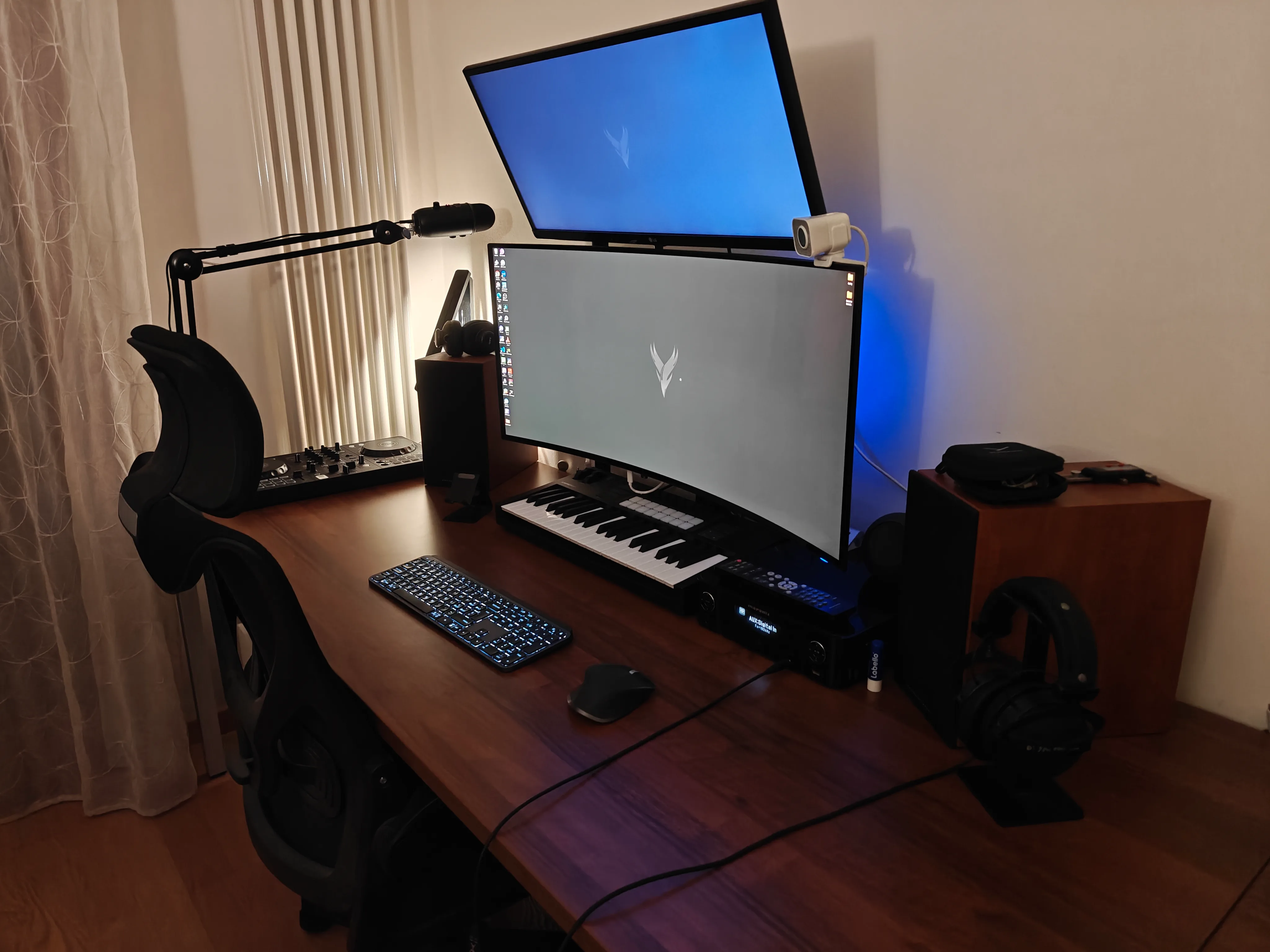
I’ve had my current build, which I’m sharing below, for about six years. I built it for gaming at 1080p, and it has performed brilliantly so far. It’s only recently that I’ve started noticing slowdowns. Not so much in my day-to-day productivity, but in video games.
When the build was new, I could comfortably reach 240 fps; now I’m down to around 60–100 fps, depending on the game. But that isn’t the real reason I decided to upgrade.
Old build
| Component | Description |
|---|---|
| CPU | AMD Ryzen 7 3700X |
| Motherboard | Asus TUF B550-PLUS |
| RAM | Crucial Ballistix 32GB 3200MHz CL16 |
| GPU | Asus TUF GeForce RTX 3070 |
| Cooler | Noctua NH-D15 |
| Power supply | Seasonic PRIME GX-650 |
| Case | MasterCase Pro 5 |
I’m starting to feel the need (are we sure it’s a need and not just an indulgence?) for a larger screen. Given how I use it—productivity mixed with gaming, or the other way around—I need a PC capable of handling high resolutions in games.
For viewing charts, writing code, and browsing web pages in 5K, I could use a mini PC too. Things get more complicated when I also want to game on a 5k2k monitor.
Here’s the long-awaited moment, ladies and gentlemen: almost €4,000 worth of build that I hope will last at least as long as the configuration I’ve just retired:
| Component | Description |
|---|---|
| CPU | AMD Ryzen 7 9800X3D |
| Motherboard | MSI MAG X870E Tomahawk |
| RAM | Crucial Pro 32GB 6000MHz CL36 |
| GPU | PNY GeForce RTX 5080 |
| Cooler | Corsair Nautilus 360 RS |
| Power supply | be quiet! Power Zone 2 850W |
| Case | NZXT H7 FLow |
I’m extremely happy with it. I can’t wait for the monitor (Alienware AW3926QW) to arrive so I can enjoy the complete build.
I ran some tests using DSR at 4K. With everything set to Ultra, I tested games such as Helldivers 2, Cyberpunk, The Blood of Dawnwalker, and The Witcher 3, and performance was roughly between 60 and 160 fps. Let’s see how the PC performs at 5k2k. Benchmarks will follow.
Finally, after a month of waiting and a three-day delay by the courier, the monitor arrived. I updated the drivers and firmware, enabled HDR, and calibrated the monitor using the Windows app.
My only point of comparison is my old setup, with FHD monitors that had different refresh rates and color reproduction. It’s also my first OLED. I have to say, though, that the colors are magnificent and text is perfectly clear. The glossy finish doesn’t bother me.
One feature that made me choose this monitor over its LG 5k2k competitor is the KVM. In addition to connecting my desktop PC and MacBook Air M5, I also connected my mouse, keyboard, and webcam to it. Not to mention the highly competitive price: €1,200 compared with €1,700 for the LG.
I have a desk that is 80 centimeters deep, and I think the panel size is perfect. I set the custom scaling to 150%, but this aspect is still being tested.
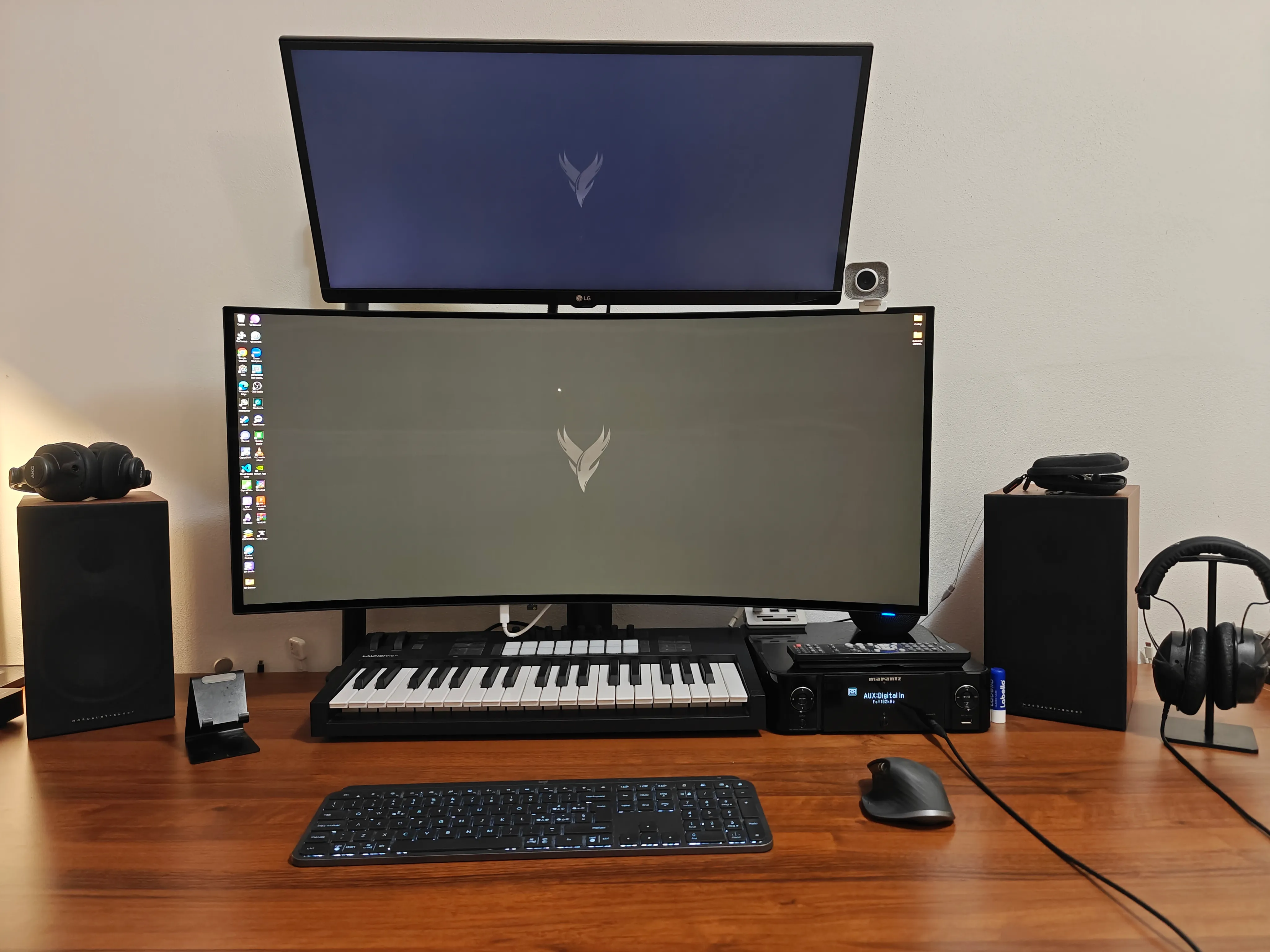
Performance is in line with what I had seen in the various YouTube videos. With all graphics settings at maximum, I get anywhere from 60 fps to over 100 fps, depending on the game. On the productivity side, I still need to get used to it, and I haven’t found my ideal setup yet. I do have a secondary monitor—a 21:9 FHD LG—which remains extremely useful.